Email Bounce Types
Soft vs Hard Bounces
An email bounce happens when your message can't be delivered to the recipient's inbox and is returned by their mail server.
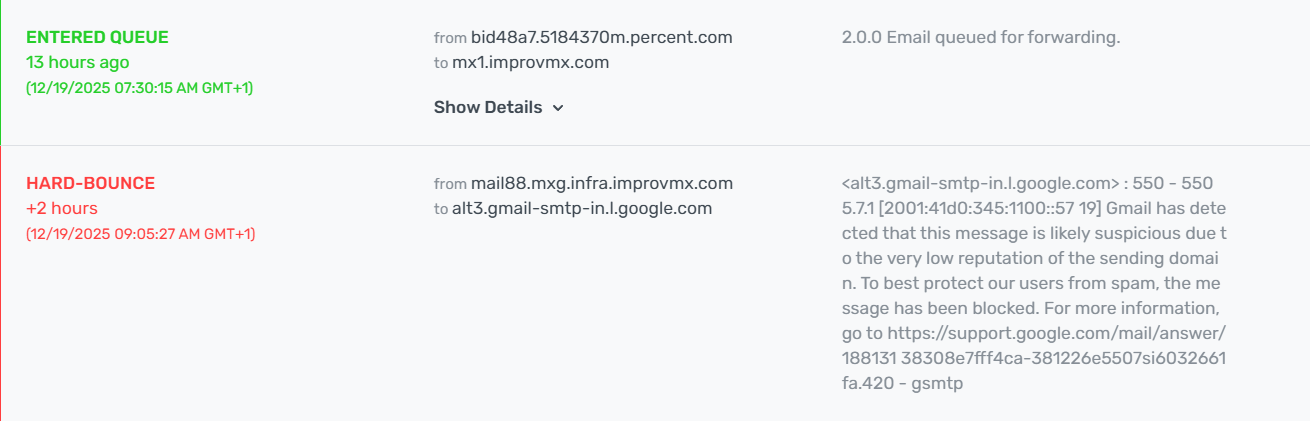
What Hard Bounces look like:
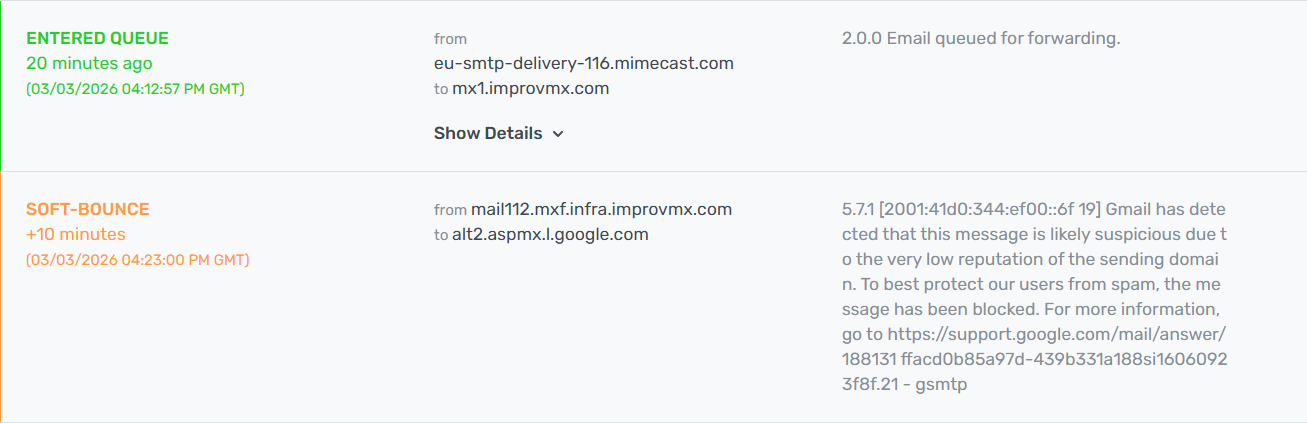
What Soft Bounces look like:
Let's break down why emails sometimes bounce, so you can better navigate common delivery issues. Knowing the difference helps you troubleshoot problems quickly, improve your email performance, and protect your sender reputation.
General Rule of Thumb
If you are looking at raw bounce logs, here is a quick rule of thumb:
- 4.x.x (Temporary Failure): "Something went wrong temporarily. Try again later."
- 5.x.x (Permanent Failure): "This will not work. Do not try again."
Soft Bounce Reasons:
Mailbox is full (Code: 4.2.2)
- Impact: Temporarily undeliverable email.
- Solution: We will automatically wait and resend the email later, as the issue may be resolved once the recipient clears their inbox.
Server down or overloaded (Codes: 4.4.2, 4.3.1)
- Impact: Email cannot be delivered until the recipient server is back up.
- Solution: We will wait and resend the email later, as the issue might resolve once the server is back online.
An email message is too large (Code: 5.2.3)
- Impact: The email was rejected due to size limits on the recipient's server.
- Solution: Reduce the email size (attachments, images, etc.) and resend.
Hard Bounce Reasons:
Invalid email addresses (Code: 5.1.1)
- Impact: Email will never be delivered, and undeliverable emails can affect the sender's reputation.
- Solution: Remove invalid addresses from your email list to improve deliverability and maintain sender's reputation.
The domain name doesn't exist (Code: 5.1.2)
- Impact: Permanent delivery failure, indicating a non-existent or expired domain.
- Solution: Update or remove these addresses from your sending list.
The recipient email server has blocked the delivery (Codes: 5.7.1, 5.5.4)
- Impact: Emails will not be delivered due to the recipient's server policy.
- Solution: Contact the recipient to resolve the issue, or remove the address from your list if there is no resolution.