What are suppressions?
A suppressed email address is a destination address that ImprovMX has stopped attempting to forward to.
We suppress destinations to:
- Reduce repeated bounces and retries.
- Protect IP reputation and overall deliverability by avoiding sends to known-bad destinations.
Common reasons an address is suppressed could be that the destination address does not exist, the destination has a history of bouncing or a temporary recipient problems, such as "Mailbox full" or " Quota exceeded".
There are two types of suppressions:
- Temporary suppressions that may clear automatically if delivery starts succeeding again (we re-check periodically).
- Permanent suppressions that do not clear automatically.
How to check and clear a suppression:
Go to Domains → select your domain → Suppressions
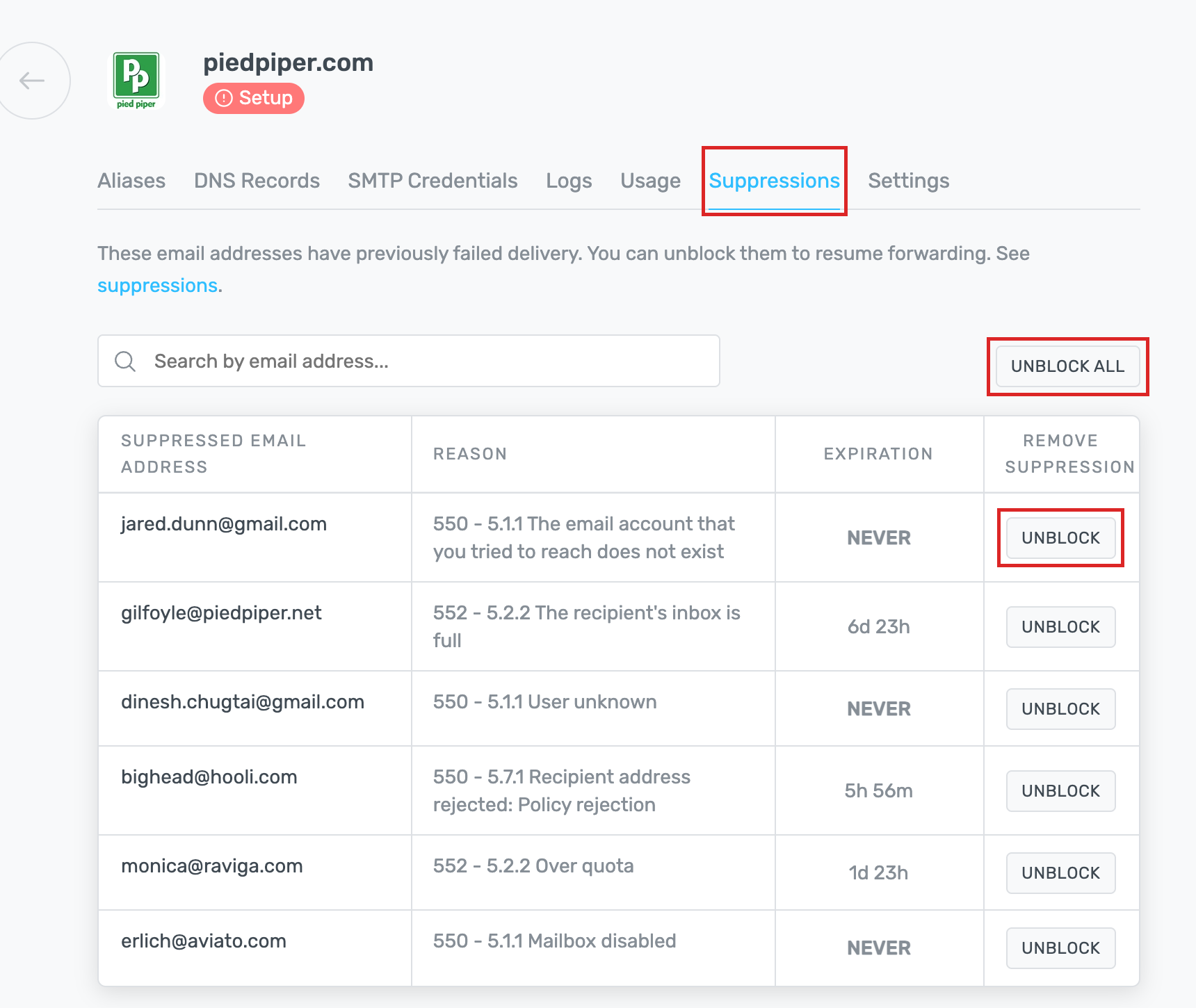
In the table, you will see:
Suppressed email address: the blocked destination
Reason: why suppression was applied (like the bounce code and
message)
Expiration: how long a suppression will remain in place before
it is removed.
-
Temporary suppressions show a countdown (for example,
6d 23h) - Permanent suppressions need to be manually removed.
Remove suppression: an Unblock button to remove specific
suppression
You can use Unblock all to remove all suppressions for that domain.
Get a daily summary of suppressions:
We can email you a summary of the destinations we suppressed for the day.
You can enable this by going to Domains → select your domain → Settings, then switching on Daily Suppression Summary.
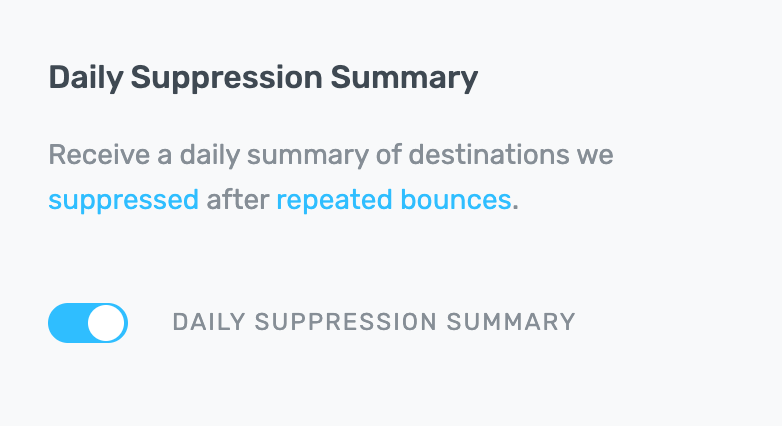
The email lists each suppressed destination, why the receiving server refused it, and a link to unblock it.
We send it to the domain's notification email, or your account email if you haven't set one — only on days we suppressed something, and only for destinations we are still suppressing.
Still have questions? Feel free to reach out to our support team.