Notification Email Address
Explaining ImprovMX's "Notification Email Address" feature, which detects adverse events that might affect your mail delivery, such as changes to MX records.
We provide the option to add another Notification Email Address in addition to your account login email.
This could be useful if you want notifications to go to a different person or a distribution list / shared mailbox, for example.
To add this notification email, in your ImprovMX Dashboard, click on the domain and navigate to the Custom Settings tab.
You can then enter the alternative email address in the Notification Email field.
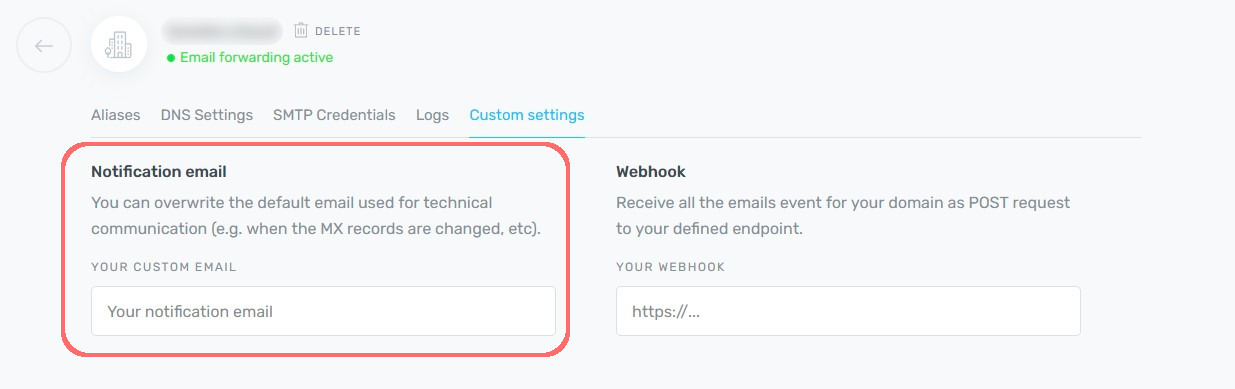
Note that this setting is per domain, in case you want to send notifications for different domains to different clients or users.