One setting for every domain
ImprovMX logs every email it forwards, and you pick how much detail we keep. Until now that was one choice for your whole account — every domain got the same level.
That's fine when all your domains do the same job. It isn't when one handles client mail and the rest are weekend projects. Turn logging down and you lose the detail that helps you track down a missing email; turn it up and you're storing subject lines and senders from your most sensitive domain.
Now it's per domain
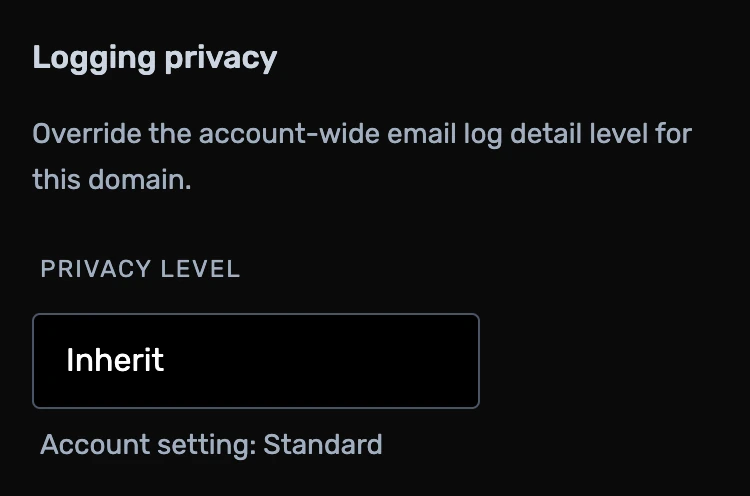
Every domain now has its own Logging privacy setting that overrides
the account-wide one. Put piedpiper.com on Minimum
and leave hooli.com on Full — they don't have to
match.
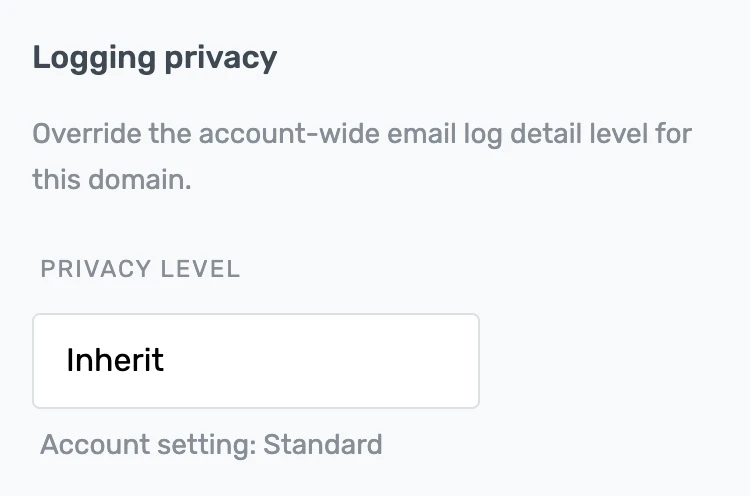
- Inherit — follow the account-wide setting. The default.
- Minimum — IP, hostname, timestamps, size, and delivery status. We scramble the subject and sender, so nobody can read them, us included.
- Standard — adds the subject, sender, recipient, and where we forwarded to.
- Full — adds the contents of emails we couldn't deliver, so you can download and read them.
How to change it
- Log in to ImprovMX and open your domain's Settings.
- Pick a level under Logging privacy. It saves right away.
Got feedback or ideas? Drop us a line at — or check out our public feature roadmap to see what's coming next.

Mustapha Singlee
Developer