Know when a destination is suppressed
When an address we forward to keeps bouncing — the mailbox no longer exists, it's full, or the receiving server rejects the message — we stop sending to it. That's deliberate: hammering a dead mailbox wrecks our sending reputation, and that hurts everyone's email.
The catch is that it happens quietly. Nobody notices that [email protected] stopped receiving anything three weeks ago. Finding out meant going digging
through your logs.
The Daily Suppression Summary closes that gap. Switch it on for a domain and we'll email you once a day with every address we stopped sending to, and the reason the other server gave us.
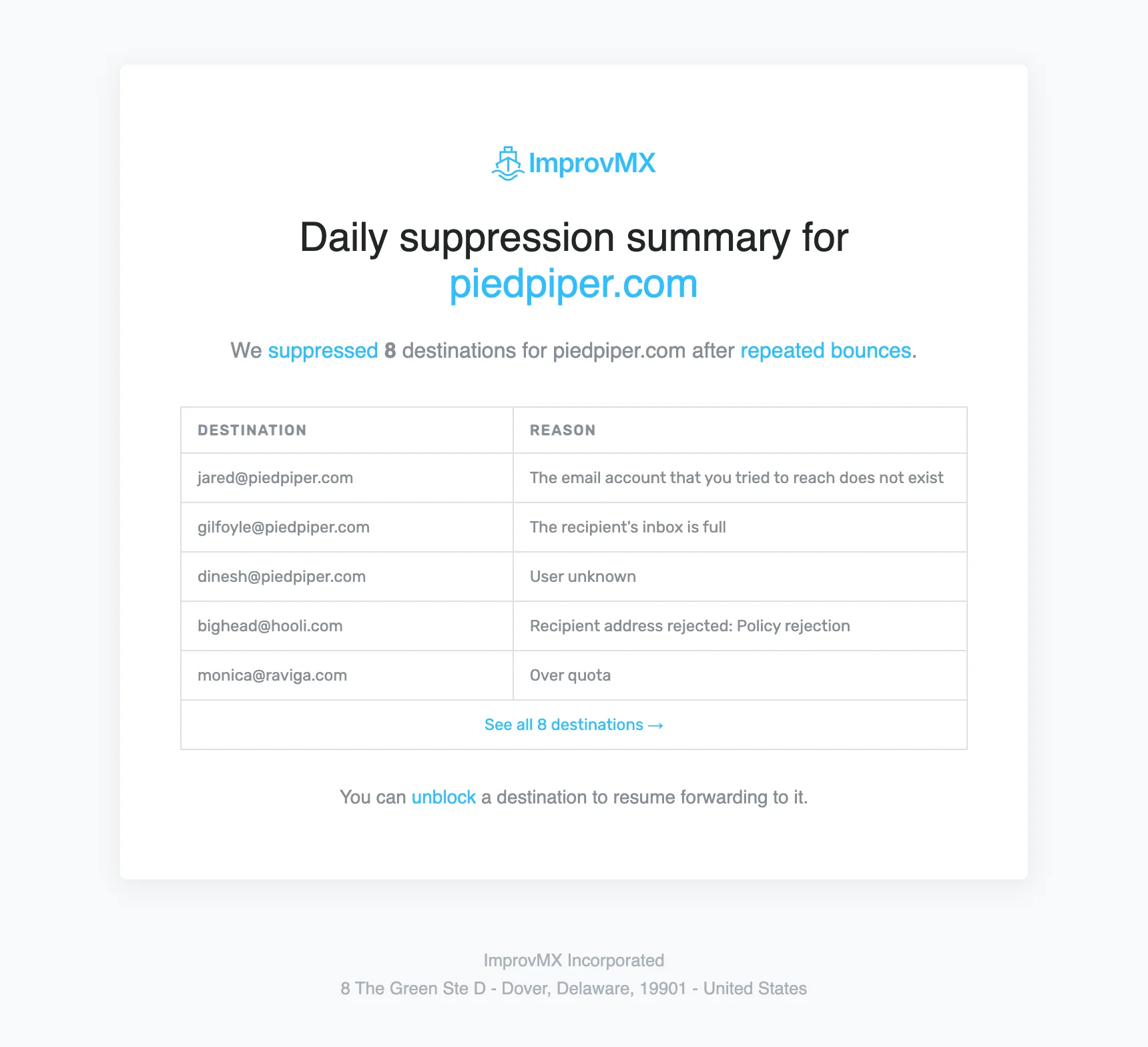
The email links straight to your domain's Suppressions page, where you can unblock an address once you've sorted out whatever was wrong with the mailbox. If there are a lot in one day, a "see all" link opens the full list.
How to turn it on
- Log in to ImprovMX and open your domain's Settings.
- Toggle on Daily Suppression Summary.
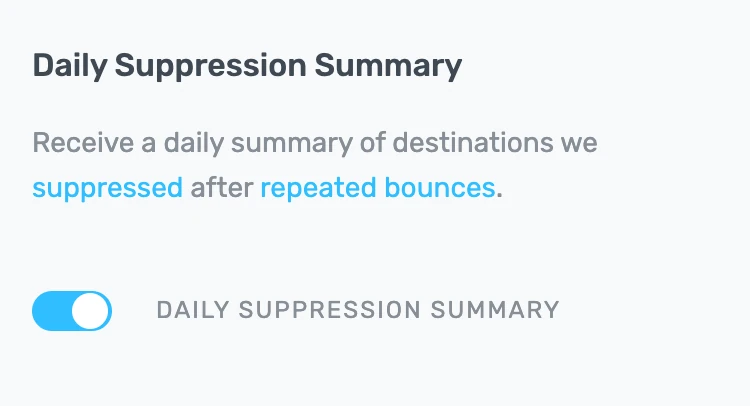
It's off by default and set per domain. The summary goes to the domain's notification email, or your account email if you haven't set one.
Got feedback or ideas? Drop us a line at — or check out our public feature roadmap to see what's coming next.

Mustapha Singlee
Developer